Introducing
A desktop tool for building and inspecting Windows .ico files. Drag source images onto icon slots, save your layout as a project, and export finished icons.
Download Now
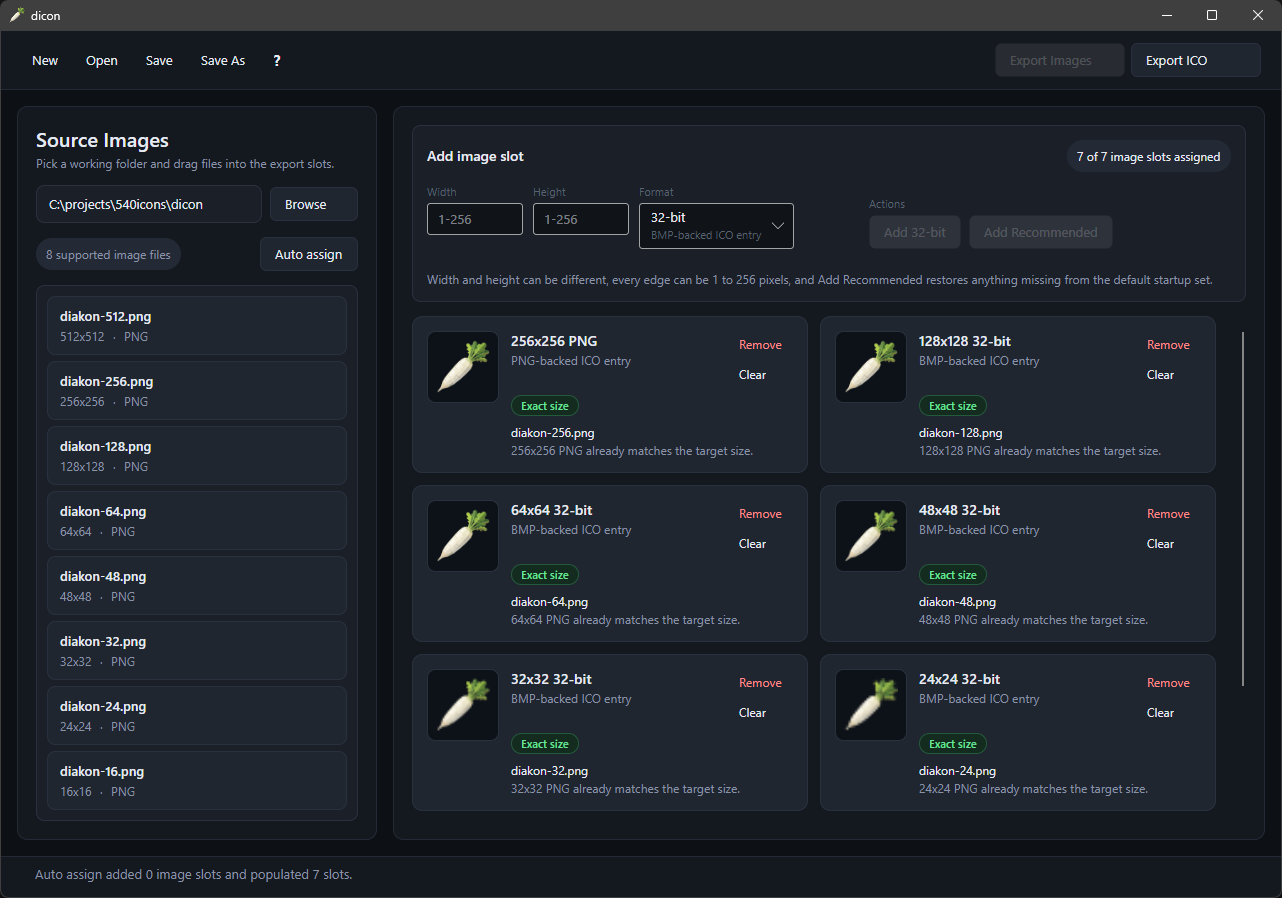
Browse a source folder, then drag images directly onto icon slots to build multi-resolution .ico files in seconds.
Automatically matches source images to icon slots by size so you can skip the manual work when your assets are already prepared.
Save your icon layout as a .dicon project file. Reopen it later to make changes or re-export without starting from scratch.
Open existing .ico files to inspect their contents, see what resolutions and bit depths are inside, or use them as a starting point.
Standard slots from 16x16 to 256x256 are visible by default. Add or remove slots to match your exact requirements with any combination of arbitrary size or color bit depth
Localized into English, German, Spanish, French, Italian, Japanese, Korean, Dutch, Polish, Portuguese, Russian, Turkish, and Chinese. Auto-detects your Windows display language on first launch.
Version 1.3.0.0
Includes the required .NET runtime bundled in. No internet connection needed during installation.
818F8ABBD8F1C72F3003B8EDF14C982105E38DE008800F63696E07F2DD95D411
Smaller download size. Requires an internet connection to fetch dependencies during installation.
486A409B7E14E35F70D70683EB734D4904C9DB3C551783EF5203B37D20F69A67
Install directly from the Microsoft Store. Automatic updates and easy management through Windows.
Get dicon on itch.io. Browse the page, leave a comment, and download directly from the platform.
© 2026 540 Software LLC. All rights reserved.