Introducing
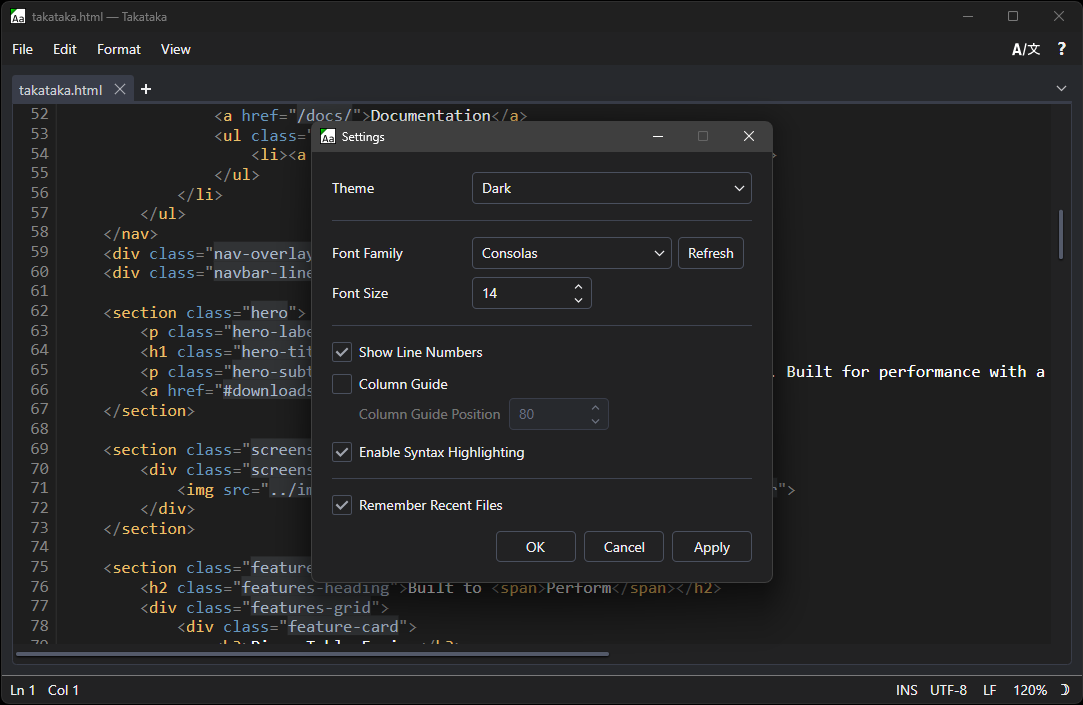
A fast, modern plaintext editor for Windows. Built for performance with a piece-table engine, tabbed editing, and robust localization support.
Download Now
A two-buffer data structure with an AVL tree line index delivers efficient editing, even on large files.
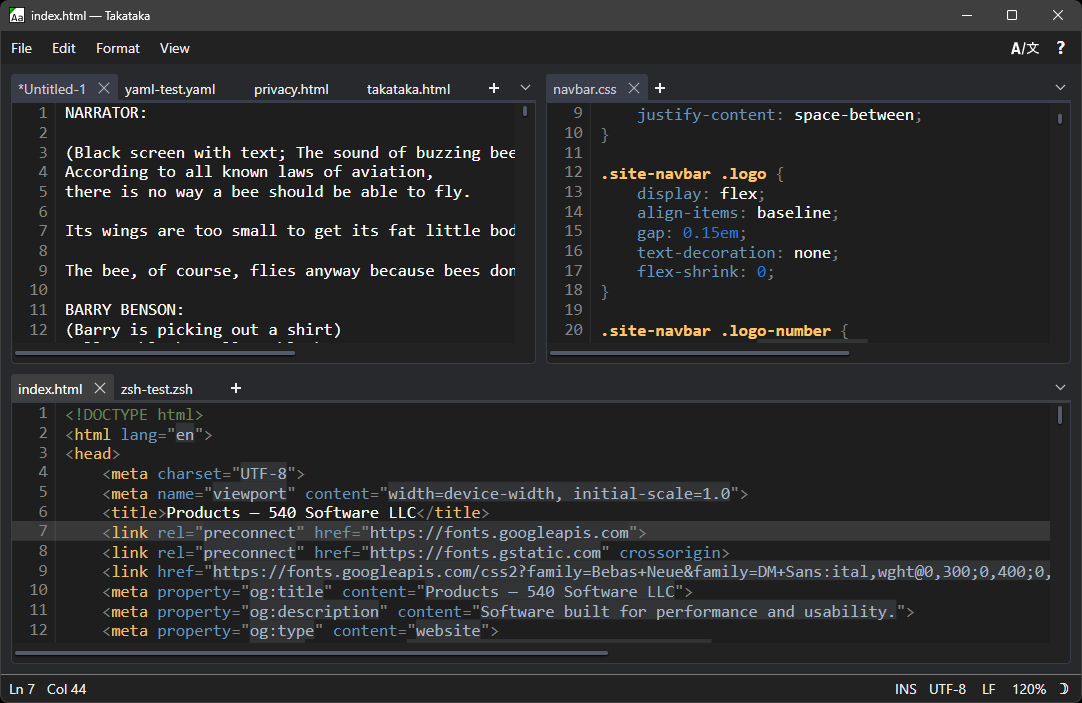
Work on multiple documents simultaneously with tabs you can pin, reorder, split into groups, or break out into new windows from the tab context menu.
Pretty print JSON and XML documents with a single click. Instantly reformat messy data into clean, indented, readable text.
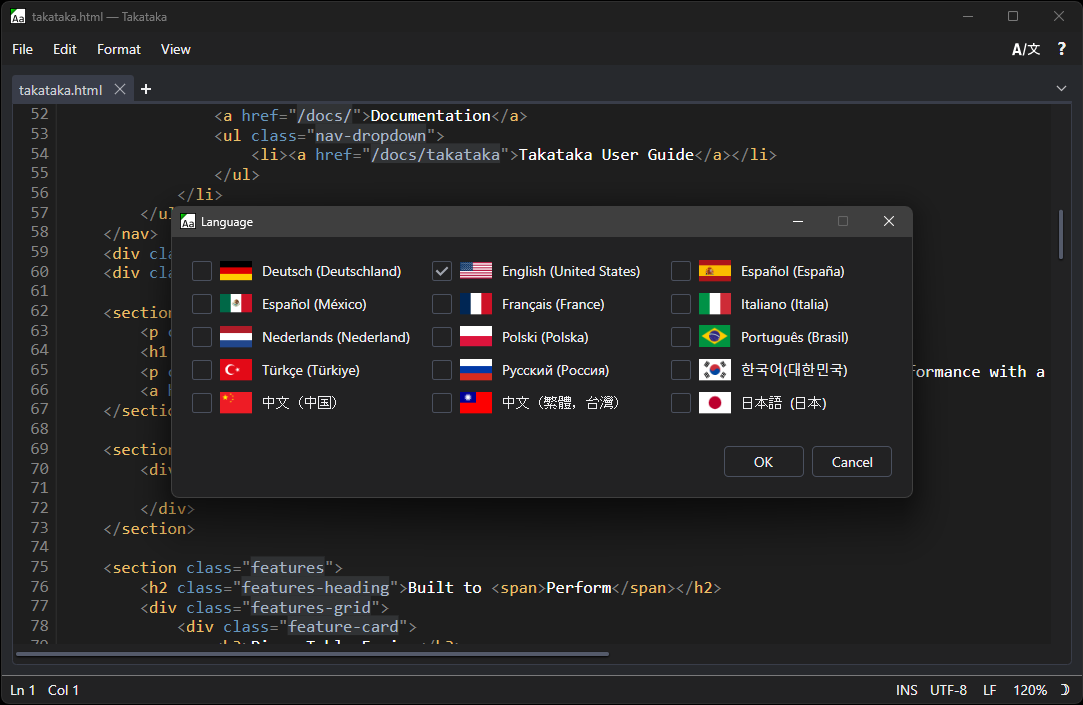
Full interface localization in English, German, Spanish, French, Italian, Japanese, Korean, Chinese, and more.
Place multiple carets with Ctrl+Left Click or Ctrl+Alt+Arrow and type, delete, or paste at every position simultaneously.
Automatic colorization for 26 languages including C, Python, JavaScript, Rust, Go, HTML, and more.
Version 1.4.1.0
Includes the required .NET runtime bundled in. No internet connection needed during installation.
E1622DA4B28904B1D15D8111D2AA72CCFE196A3882EAC833CBCD896A856A9C63
Smaller download size. Requires an internet connection to fetch dependencies during installation.
591494188B3F9EC38256E138913FEC7FC2553378A92E7CD488E15E2964131A71
Install directly from the Microsoft Store. Automatic updates and easy management through Windows.
Get Takataka on itch.io. Browse the page, leave a comment, and download directly from the platform.
© 2026 540 Software LLC. All rights reserved.
 ▶
▶